Roundup
The tools that actually help with a literature review
A literature review is three separate jobs — collecting sources, understanding them, and synthesizing them into an argument — and no single tool is best at all three. This list follows that order rather than pretending one product covers it. Disclosure: we build Copyeditor, and it appears third, at the synthesis stage where it belongs.
HOW THESE WERE JUDGED
The criteria, stated up front
- Which stage does it serve — collecting, reading, or writing the synthesis?
- Can you get from a claim in your draft back to the page in the paper it came from?
- Does it help you compare across many papers, not just read one at a time?
- What happens to the citations when the review becomes a chapter?
- Does it scale to a systematic review, or only to a narrative one?
Copyeditor publishes this list and also appears on it. We rank ourselves where we genuinely land rather than at the top of every category, and we say plainly when another tool is the better answer. Verify current features and pricing on each vendor’s own site.
6 TOOLS
The list
1. Best for The library the whole review rests on
Zotero
Every literature review needs a reliable record of what you read, and this is where to keep it. Capture from the browser, organize into collections, take notes against sources, and cite from Word with the bibliography rebuilding itself. It is free, which makes it the easiest recommendation on this page.
- Best-in-category capture from databases and publisher pages
- Collections, tags and notes that survive a multi-year project
- Group libraries for co-authored or supervised reviews
- Free and open source
- It organizes and cites; it does not read or write for you
2. Best for Understanding and comparing a large pile of papers
SciSpace
The extraction table — pulling the same fields out of dozens of papers into a comparison you can scan — is the closest thing here to a literature-review-specific feature. Asking questions of a PDF and getting an answer linked to the page makes triage much faster than reading everything front to back.
- Comparison tables across many papers at once
- Answers point back to the page, so verification is quick
- Explains dense passages, including in several languages
- Summaries still need checking against the paper before you cite them
- Lighter on the writing side than a drafting tool
3. Best for Turning the reading into a chapter with its citations attached
Copyeditor
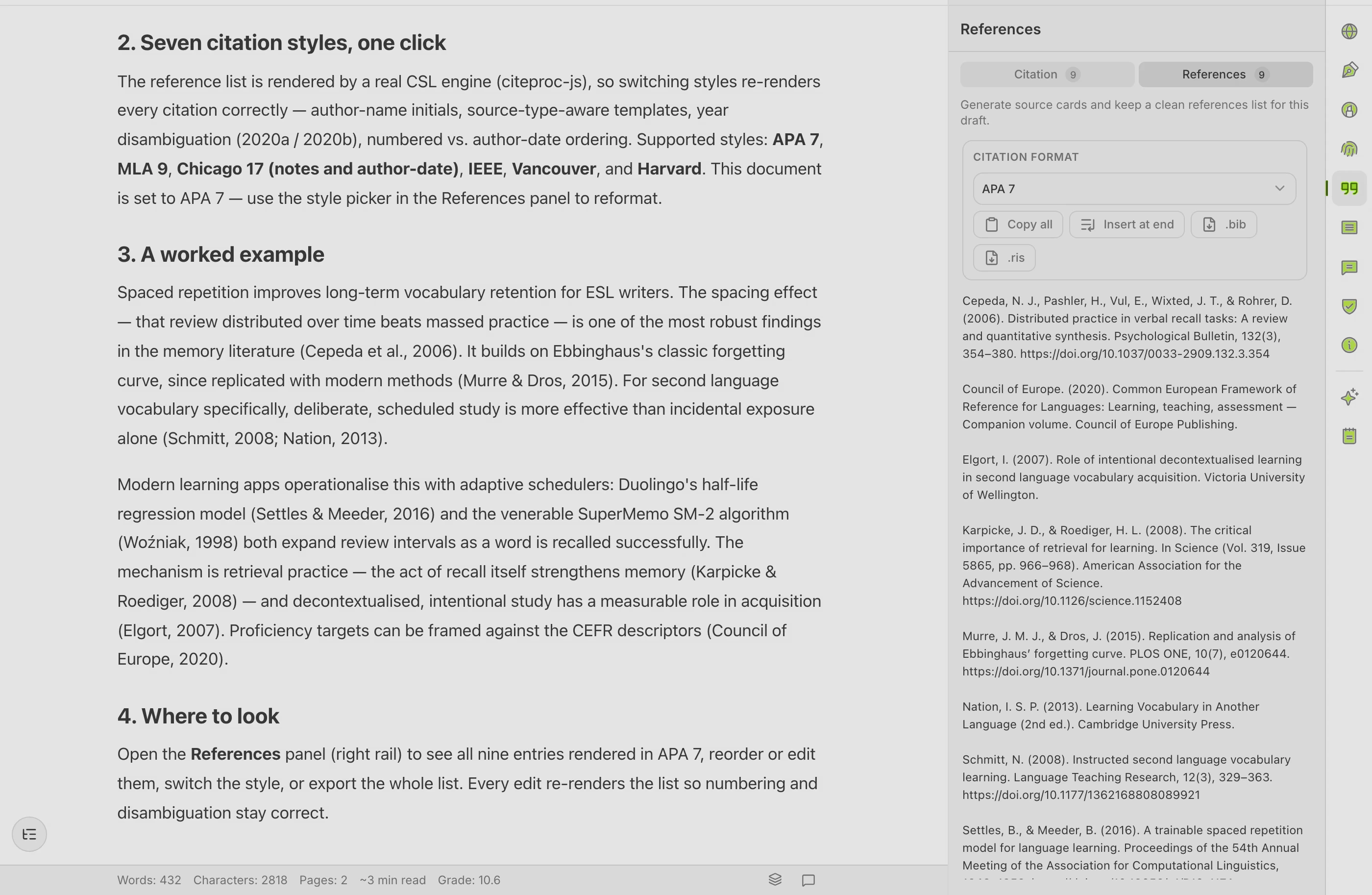
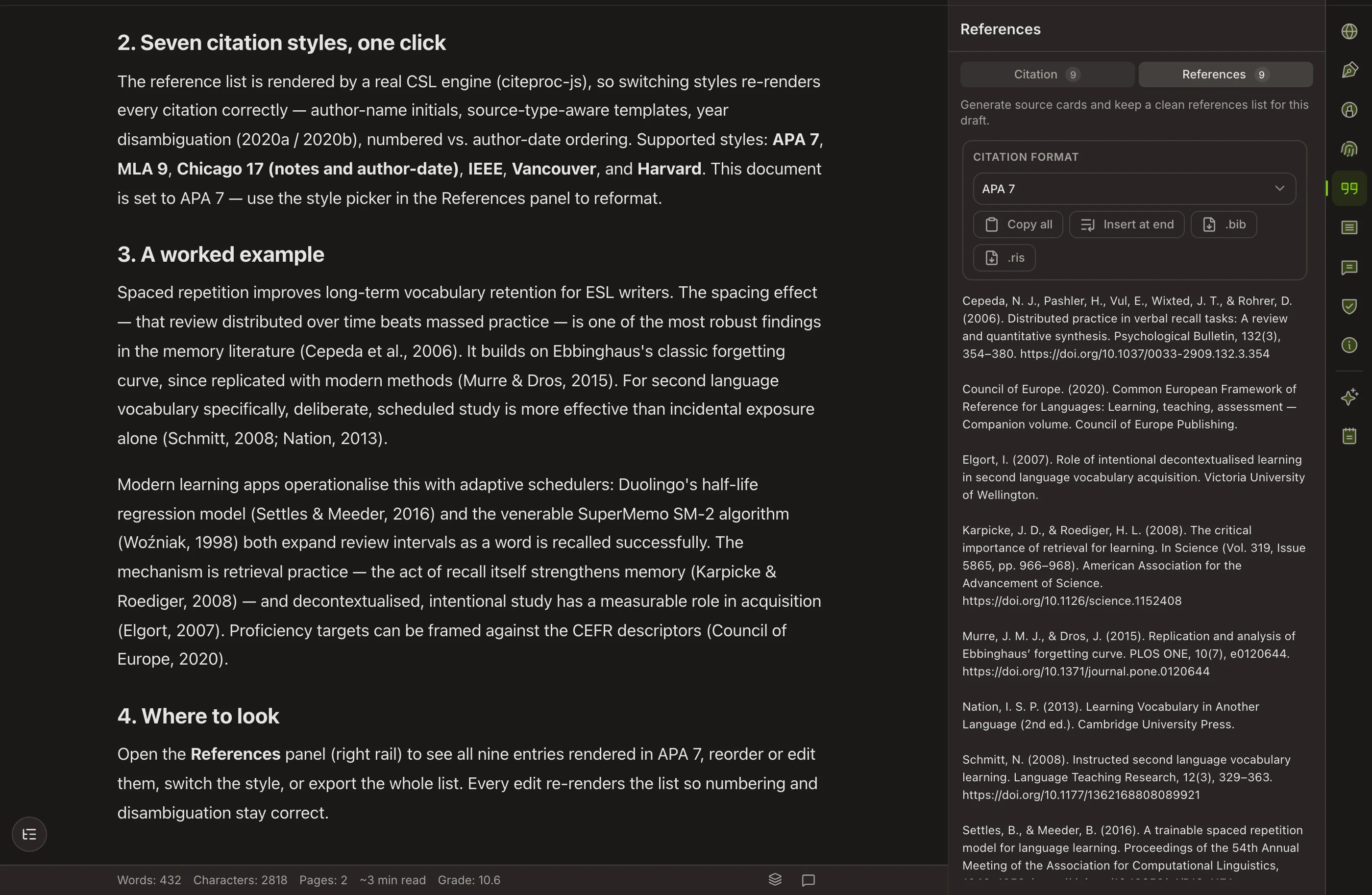
This is the synthesis stage: plan the structure of the review, draft the sections, and have the bibliography build itself as you cite in APA, MLA, Chicago or IEEE. It does not search the literature and it does not sync with your reference manager, so it picks up after the collecting is done.
- Plan mode gives the review a structure before the prose arrives
- Citations and reference list maintained inside the draft
- A verifiable record of how a long chapter was written over months
- No literature search, and no reference-manager sync in the beta
- Closed beta — availability is limited
4. Best for Systematic reviews and reviews with very large reference lists
EndNote
If your review follows a systematic protocol, the deduplication of records imported from several databases is the feature that saves days. It also handles the citation load of a review with hundreds or thousands of entries without complaint.
- Deduplication across database exports
- Reliable at scale in long Word documents
- Widely site-licensed by universities
- Paid without an institutional license
- More than a narrative review of forty sources needs
5. Best for Testing whether your synthesis actually holds together
ChatGPT
Useful less for producing the review than for interrogating it: describe the argument you are building and ask what is missing, what contradicts it, and which grouping of the literature is more defensible. Do not ask it for the sources themselves.
- Strong at finding the weakness in a synthesis you describe to it
- Helps you compare organizing schemes — chronological, thematic, methodological
- Free tier available
- Do not use it to find papers — verify anything it names against a real database
- It has not read your corpus unless you give it to it
6. Best for Producing draft prose for a review chapter under time pressure
Jenni AI
When the reading is done and the chapter still is not written, continuous autocomplete with citations attached gets text onto the page. The verification burden is correspondingly higher, so plan the editing time before you start.
- Fast route from notes to a full draft chapter
- Citations offered inline while writing
- Every citation must be checked against the source
- Draft prose needs a substantial editing pass to sound like you
Questions about this category
What is the right order to use these in?
Collect in a reference manager, read and compare with a reading assistant, then synthesize in a writing tool with your citations attached. Trying to write before the comparison stage is what produces a review that summarizes papers one at a time instead of making an argument.
Can AI write my literature review?
It can produce text that resembles one. What it cannot do is know which papers matter in your field, which findings conflict, and what your review is arguing. Those are the parts that get examined.
How do I stop the review reading like a list of summaries?
Organize by theme, method or debate rather than by paper, and make each section state a claim the sources support or complicate. A comparison table built early makes that structure visible before you write a word.
Do I need different tools for a systematic review?
Yes. Systematic reviews add screening, deduplication and protocol-driven reporting. A reference manager built for scale plus dedicated screening software is the usual answer, not a writing assistant.
Is this list current?
These tools all change. Check each vendor’s own site for current features and pricing before committing to a workflow.
Related roundups
Reference managers worth building your library on
A reference manager is the piece of your toolchain you will still be using in five years, so the questions that matter are capture quality, style coverage and whether you can get your data out again.
Citation generators that produce references you can submit
A citation generator is only as good as the record it starts from: a DOI produces a clean reference, a scraped web page often does not.
The AI writing tools worth using on an academic paper
Almost every tool in this category claims to be built for academic writing, and most of them are general writing tools with a citation feature attached.
Fewer tools
one document
Copyeditor puts drafting, citations, paraphrase and export in one place, with a verifiable record of how the paper was written. In beta — apply and we’ll reach out as spots open.