Compare
Copyeditor vs Paperpal
Both are academic writing assistants with strong language editing and citation tools. The difference is the entry point: Copyeditor centers structured drafting and a documented, provable writing process, with citations and references built in.
Beta opens this season — starting with students and researchers.
THE HONEST VERSION
Two capable tools, different emphases
Paperpal is mature and well-built. Here’s where Copyeditor leans differently.

Where Paperpal is strong
Paperpal is a mature academic writing assistant with strong language editing and good journal-submission tooling. For many researchers it’s a solid, well-built choice — we’re not pretending otherwise.

Where Copyeditor differs
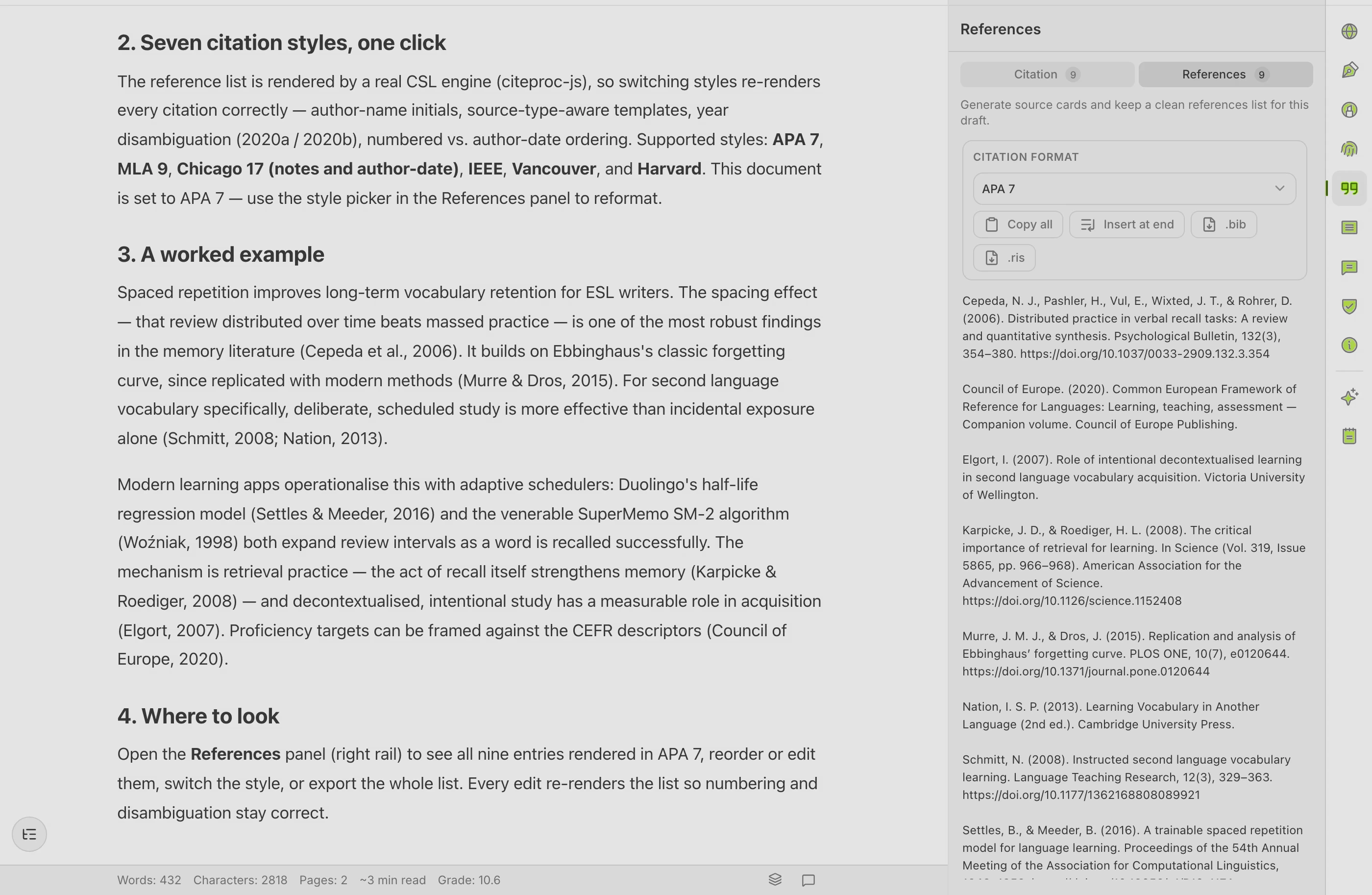
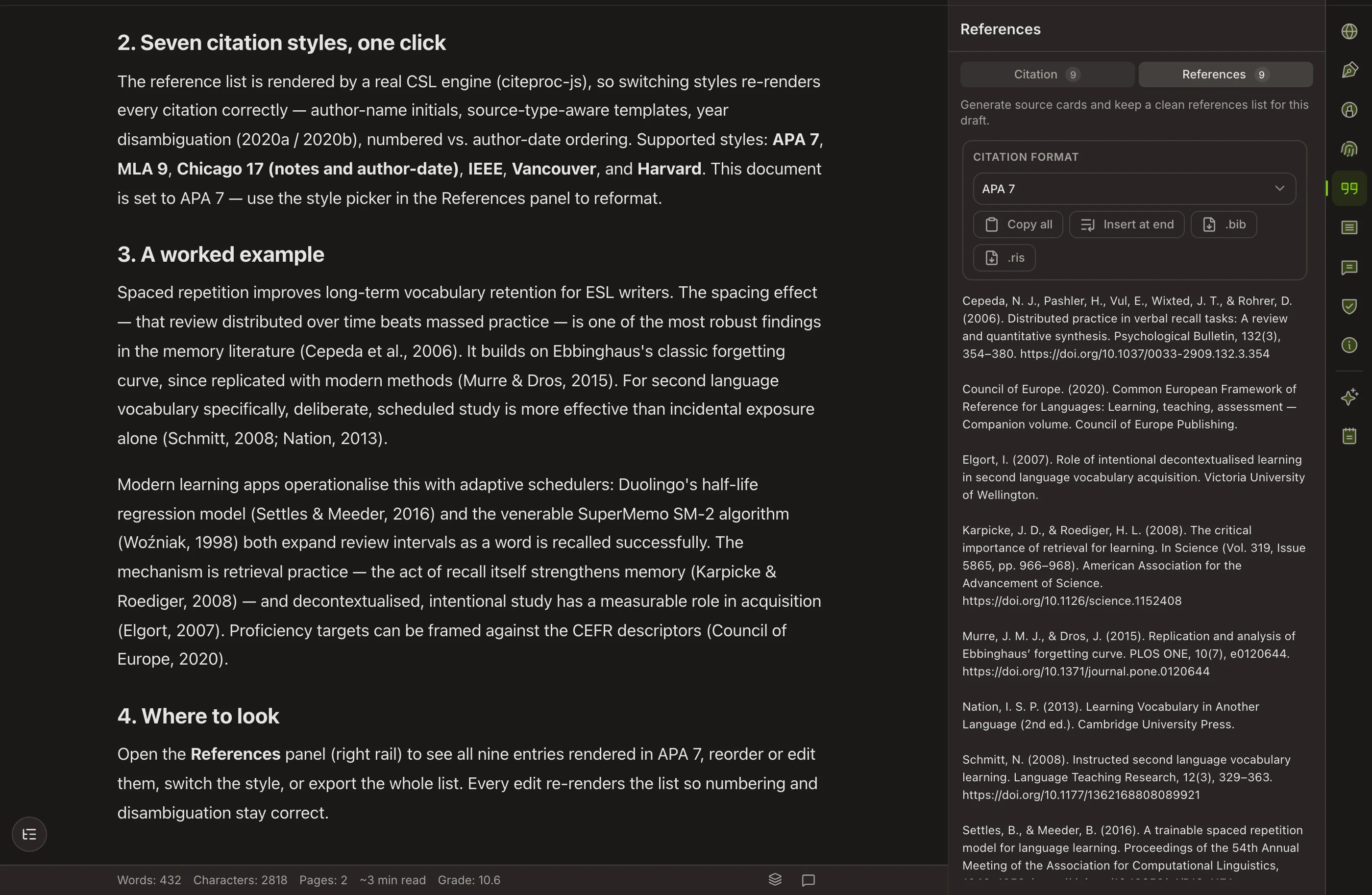
Copyeditor leads with structured drafting — outline, produce, rewrite — and a documented writing process, with citations and references in the same document. If English isn’t your first language, there’s scaffolding on the way to the English draft, but the draft is always the goal.

The integrity angle
Copyeditor adds the Authorship Certificate — a documented record of how a piece was written. It documents process; it doesn’t prove legal innocence. That framing is a deliberate part of how we think about academic writing.
SIDE BY SIDE
Capability by capability
A factual comparison. Check Paperpal’s site for their latest feature set — tools move fast.
| Capability | Paperpal | Copyeditor |
|---|---|---|
| Academic language editing | Yes | Yes |
| Structured drafting (outline → produce → rewrite) | partial | Yes |
| Citations & references | Yes | Yes |
| Source-grounded research / Chat-PDF | Yes | Yes |
| AI-detector preview | Yes | Yes |
| Export to Word and PDF | Yes | Yes |
| Documented writing process | No | Authorship Certificate |
| First-language scaffolding for ESL writers | No | Yes |
Built for a wider table of writers
Draft the way you think, then bring it into register
If English isn’t your first language, Copyeditor gives you scaffolding: sketch a paragraph in your own language, then bring it into academic English without losing your meaning or your sources. The destination is always the English draft — the scaffolding is there for the moments you need it.
Common questions
Is Copyeditor just a Paperpal clone?
No. They overlap on language editing and citations, but Copyeditor centers the workflow on structured drafting — outline, produce, rewrite — and adds a documented writing process. The emphasis and the entry point are different.
Paperpal is established. Why switch?
You might not need to. If Paperpal fits your workflow, it’s a good tool. Copyeditor is worth a look if you want one workspace that pairs the outline-produce-rewrite discipline with citations, references, and a documented writing process.
Do both connect to my reference manager?
Zotero and Mendeley sync is on the Copyeditor roadmap, not in the current beta — today you add sources by DOI, URL, BibTeX, or RIS. Verify Paperpal’s current integrations on their site; features change on both sides.
What does the Authorship Certificate actually do?
It records how a document was written over time — supporting evidence of your process. It is not a plagiarism verdict and does not prove legal innocence. It’s context, described honestly.
One workspace for
the whole paper
We’re onboarding students and researchers first. Apply and we’ll reach out as spots open.