Reference managers
Zotero & Mendeley sync is on the roadmap.
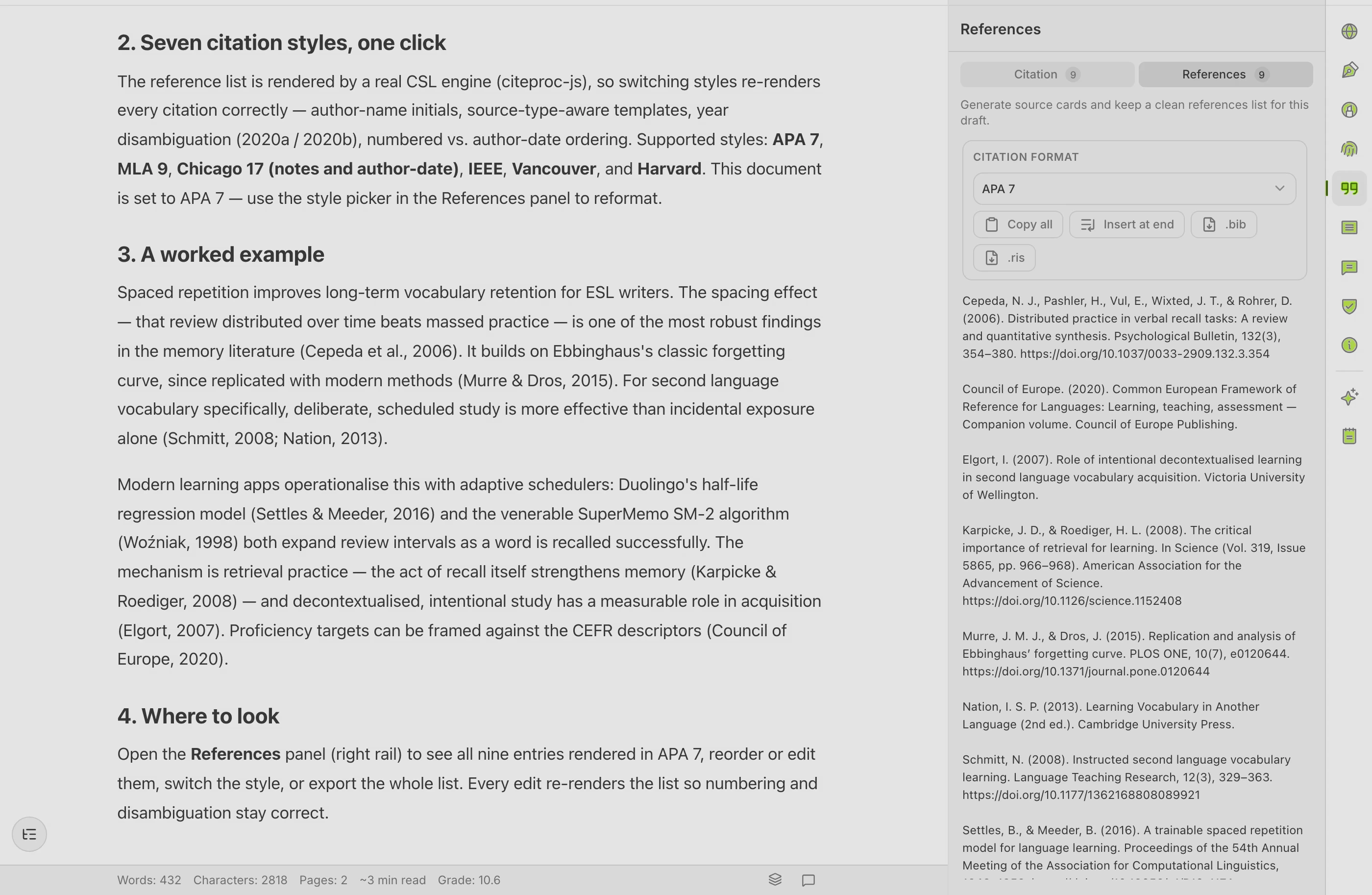
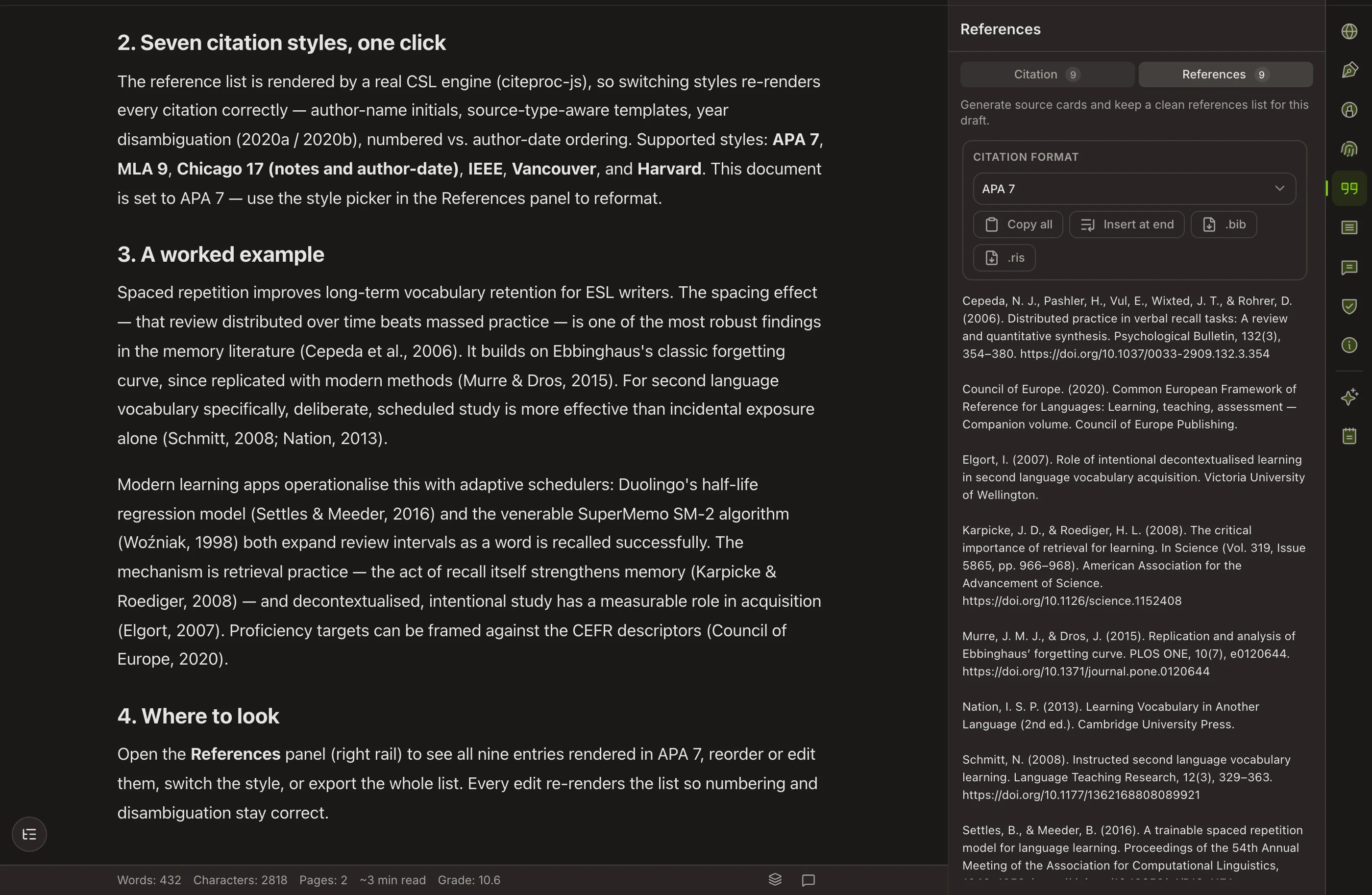
Connecting the library you already keep is on the Copyeditor roadmap — it isn’t in the product yet, and we won’t pretend otherwise. What works today: add sources by DOI, URL, or manual entry, import BibTeX and RIS, and cite from a reference list that formats itself.
AVAILABLE NOW
A reference list that manages itself
In the product today
- Add sources by DOI, URL, or manual entry
- Import BibTeX (.bib) and RIS files
- In-text citations and a bibliography that build themselves
- Switch citation style and the whole document follows
On the roadmap
- Zotero sync (read-only, incremental)
- Mendeley sync (OAuth, read-only)
When these ship we’ll announce it here — until then, no promises dressed up as features.
Questions about reference managers
Can I connect Zotero or Mendeley today?
Not yet. Reference-manager sync is on the roadmap, not in the current beta. Today you add sources directly in Copyeditor — by DOI, URL, or manual entry — and they are formatted in-text and in the bibliography automatically.
What can I do with references right now?
Add a source once and Copyeditor keeps it in your document’s reference list, formats the in-text citation and the bibliography in your chosen style, and carries it through export. You can also import BibTeX and RIS files.
Will the sync modify my library when it ships?
The design is read-only: Copyeditor would read your library so you can cite from it, never write back or modify your collections. Credentials would be stored encrypted.
Cite as you write,
starting today
Copyeditor is in beta — we’re onboarding students and researchers first. Apply and we’ll reach out as spots open.