Citations & references
Cite once. The bibliography takes care of itself.
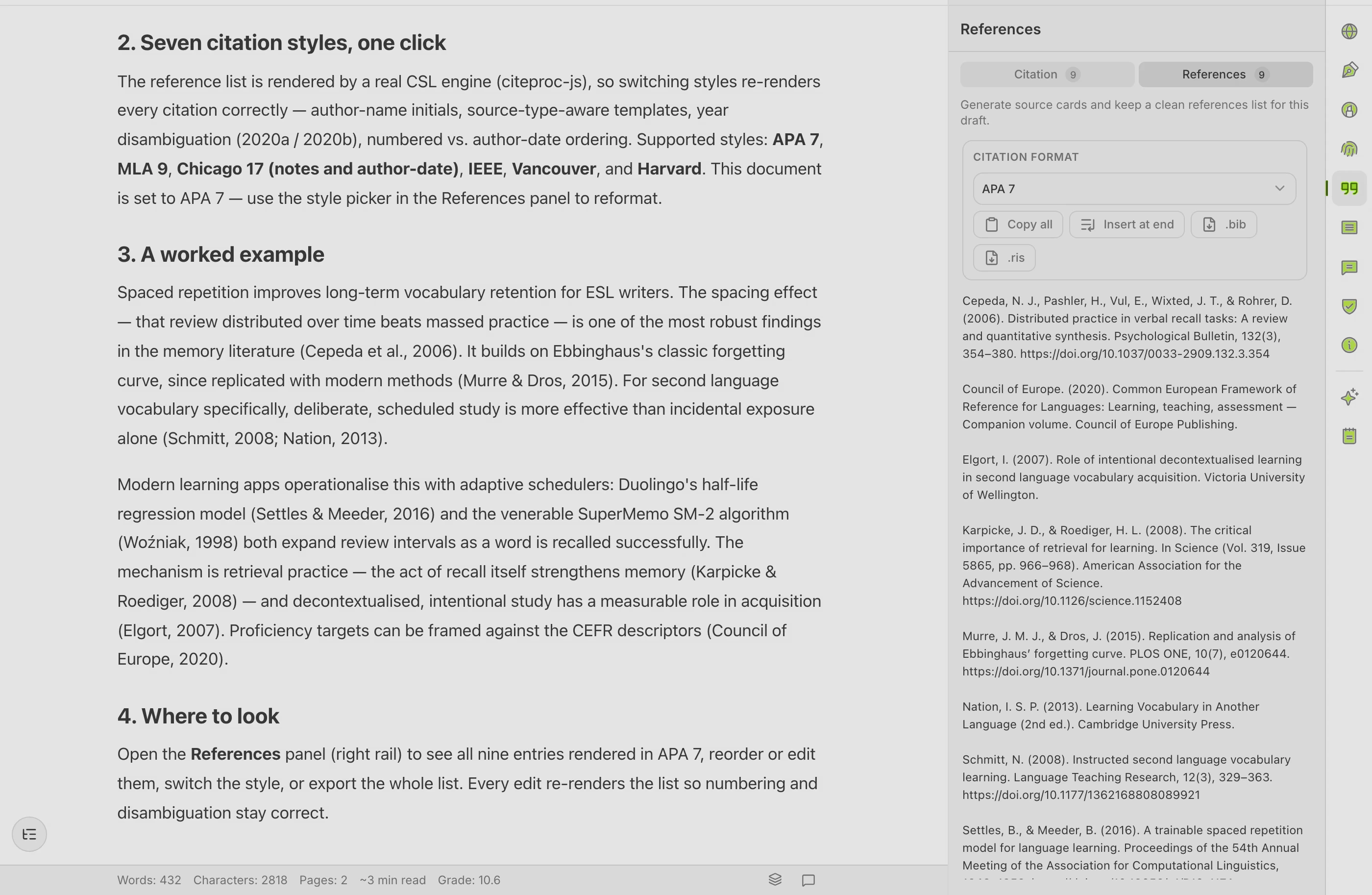
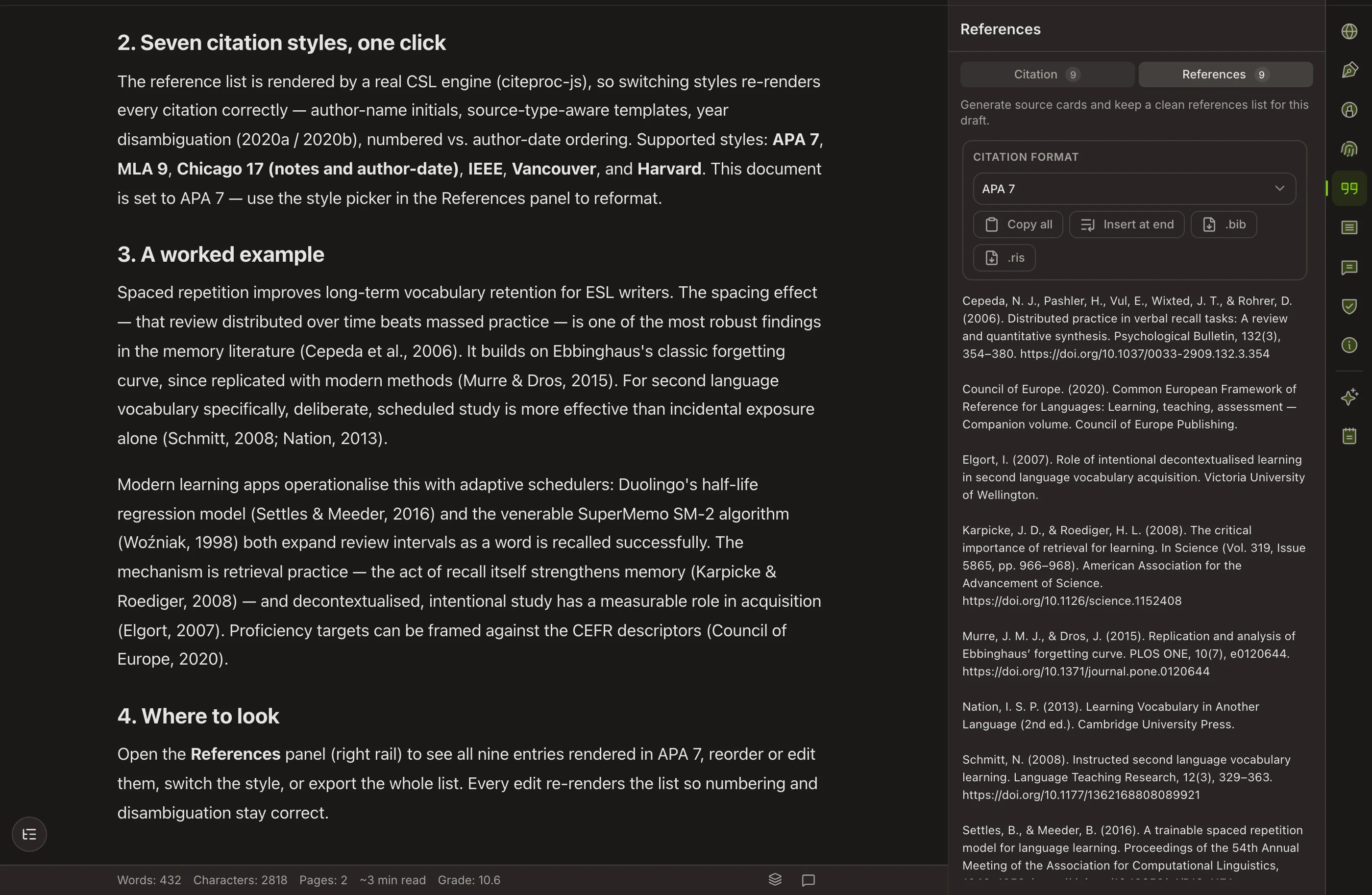
Add a source as you write and Copyeditor handles the rest — the in-text citation, the reference list, and the formatting — in APA, MLA, Chicago, or IEEE. Switch styles and everything reformats at once.
Beta opens this season — starting with students and researchers.
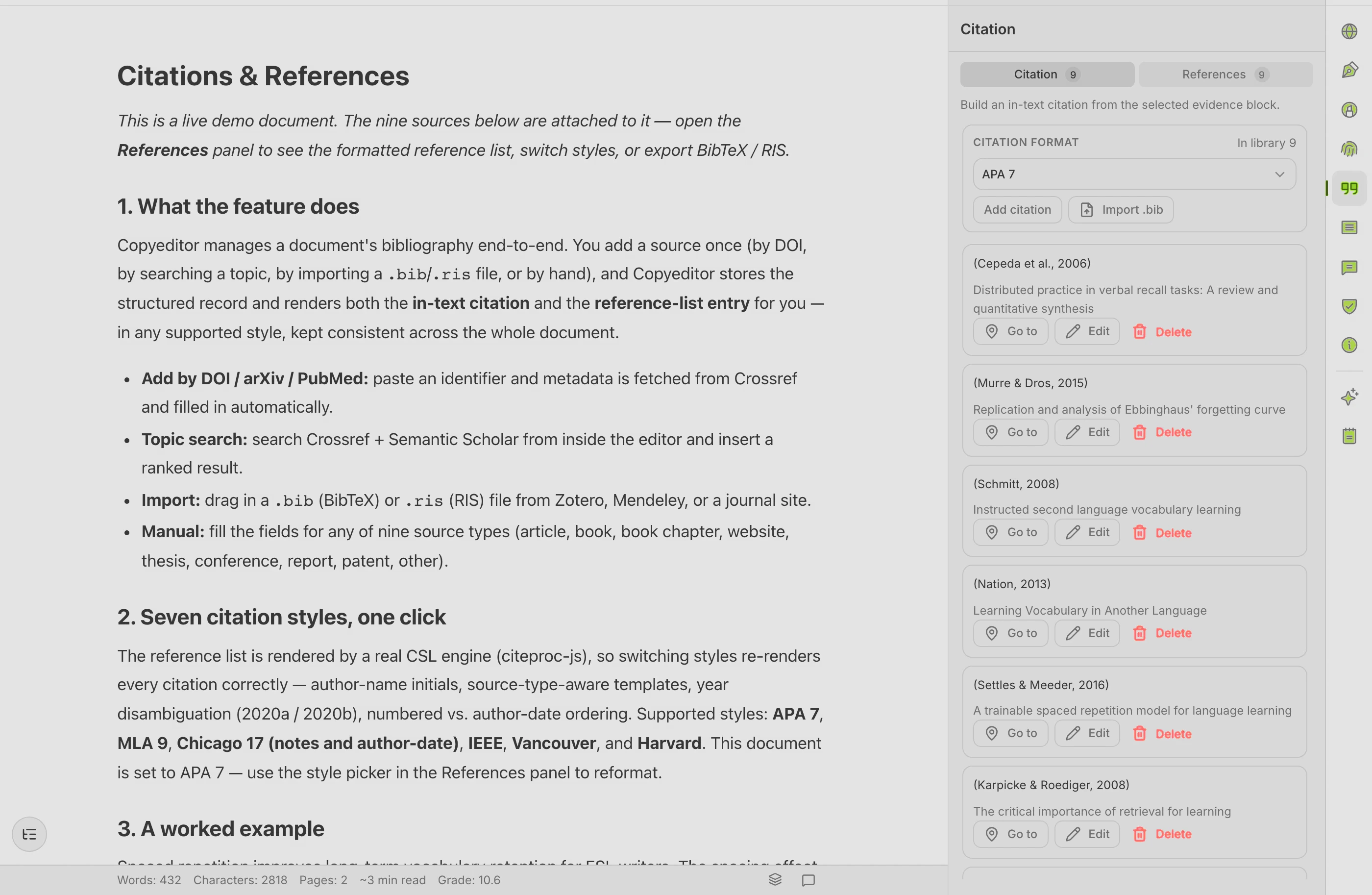
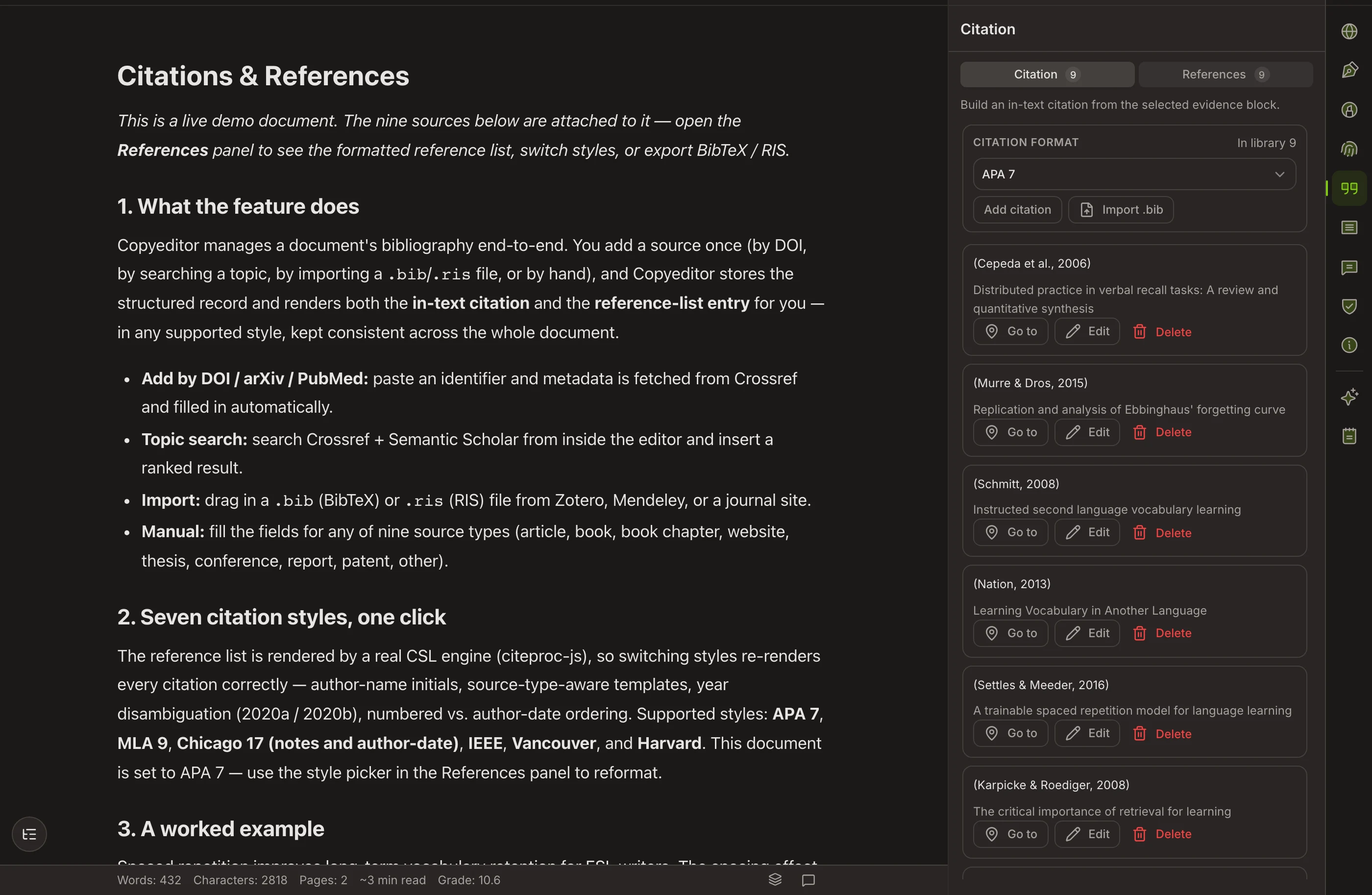
Neural synchronization across prefrontal cortical networks increases significantly during sustained analytical reasoning (Vaswani et al., 2017). Empirical evaluations demonstrate that cognitive fatigue decreases when source attribution is automated within the drafting phase (Bengio & LeCun, 2021).
*Click any style above to test real-time reformatting across in-text citations and the bibliography
THE STYLE LIBRARY
The styles departments actually ask for
Four core styles with real, tested formatters — and a growing list. We’d rather support a style properly than claim a number.
APA
7th edition, author–date, with the reference list your social-science department expects.
MLA
9th edition works-cited and in-text parentheticals for the humanities.
Chicago
Notes-bibliography style for history and the humanities.
IEEE
Numbered citations for engineering and the sciences.
And growing
More styles are on the way, including the long tail of journal-specific formats. We list only what actually works today.
HOW IT WORKS
Built for the way a reference list actually grows
In-text and bibliography, in sync
- One source powers both the citation and the reference entry
- Remove a citation and it leaves the bibliography
- Sort order and formatting follow the active style
Switch styles instantly
- Sources stored as structured data, not frozen text
- Change APA → MLA → IEEE without re-typing a thing
- Paste a DOI, ISBN, or URL to fetch the metadata
Questions about citations
Which citation styles are supported today?
APA (7th), MLA (9th), Chicago notes-bibliography, and IEEE — each with a real, tested formatter. More styles, including journal-specific formats, are on the roadmap; we add them to this page when they ship.
Can I switch styles after I’ve written everything?
Yes. Citations are stored as structured sources, not as frozen text. Change the style and every in-text citation and the whole bibliography reformat instantly.
Does it build the bibliography for me?
Yes. Cite a source once in your text and it appears in the reference list automatically, ordered and formatted to the active style. Remove the citation and it leaves the list.
Can I pull from Zotero or Mendeley?
Not yet — reference-manager sync is on the roadmap. Today you can import BibTeX and RIS files, or add sources by DOI, URL, or manual entry. More detail on where reference-manager support stands.
What about DOIs and URLs?
Paste a DOI, ISBN, or URL and Copyeditor fetches the bibliographic metadata so you don’t type author lists and page ranges by hand.
Stop reformatting
your reference list by hand
Cite as you write and let the bibliography build itself. Copyeditor is in beta — apply and we’ll reach out as spots open.