Export
Finish in the format your reviewer expects.
Export to Word or PDF with your citations, reference list, and formatting intact. Because everything stayed in one document, the export comes out clean the first time.
Beta opens this season — starting with students and researchers.
THE FORMATS
Every way out has your references attached
Whether your department wants a .docx or your journal wants a PDF — your sources come along.
Word (.docx)
A clean Word file with headings, styles, and a formatted reference list — ready for a supervisor’s track changes or a submission portal.
A print-ready PDF that preserves your layout, citations, and bibliography exactly as you see them on the page.
References as BibTeX / RIS
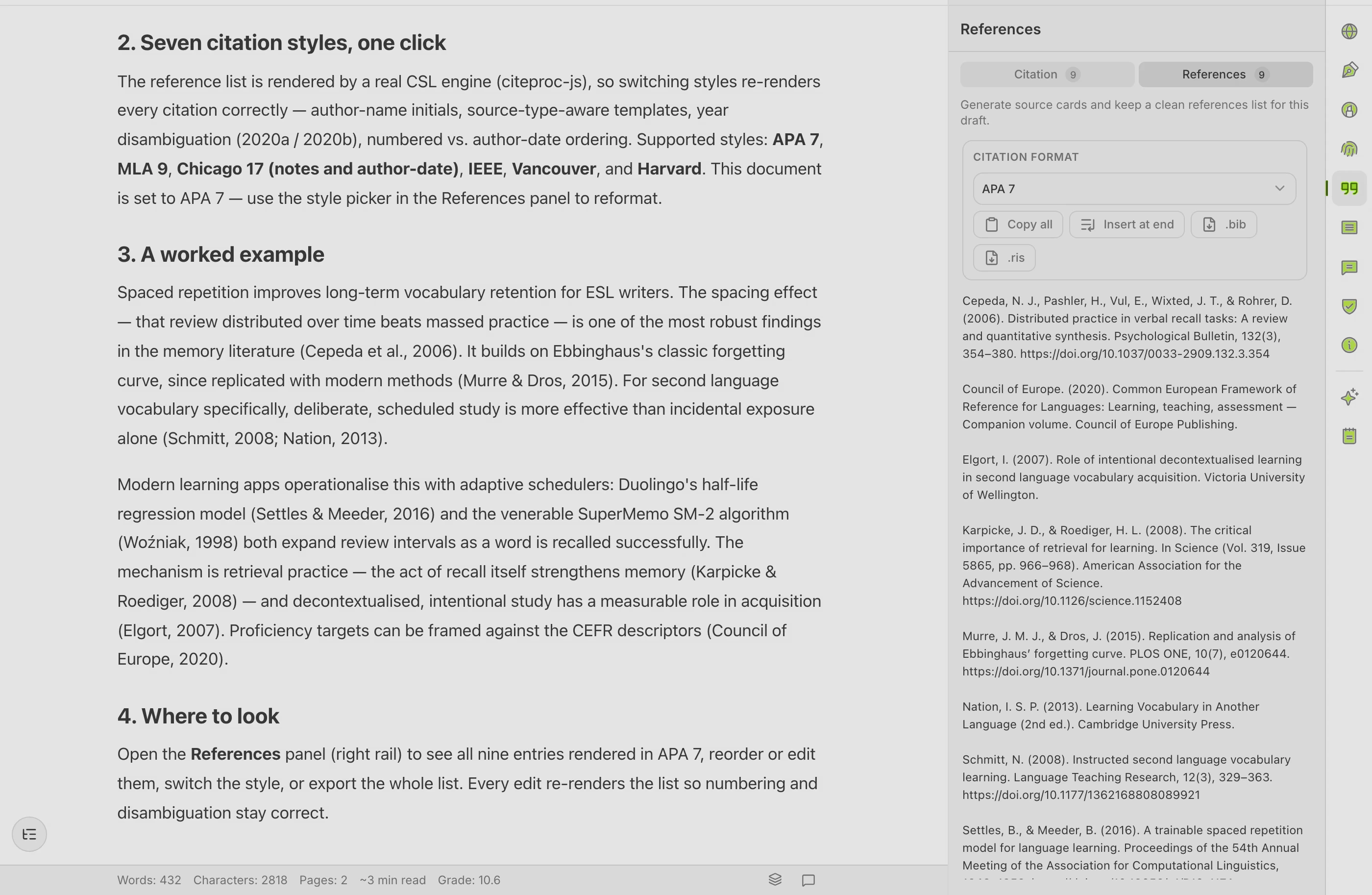
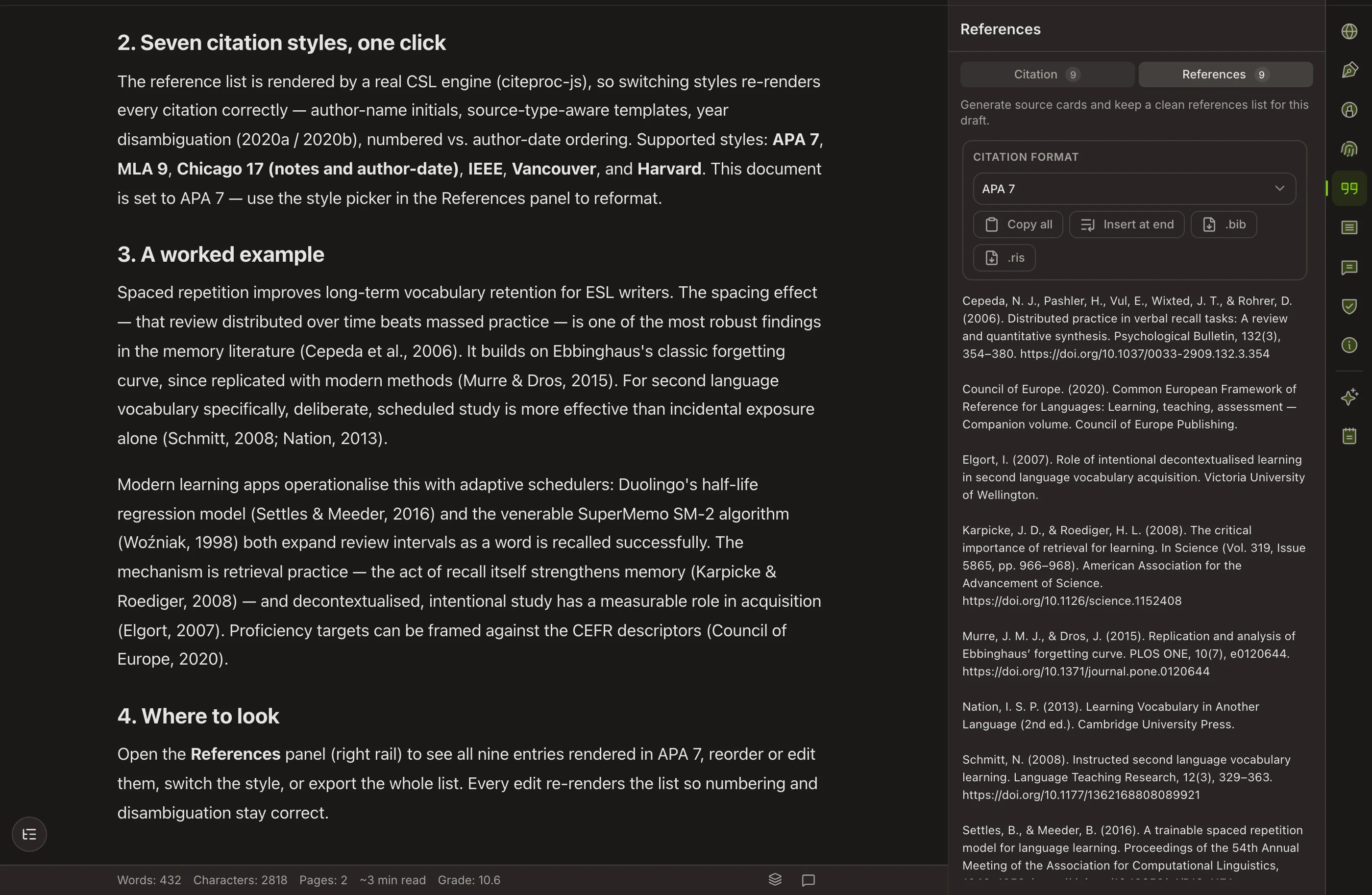
Export your reference list as structured .bib or RIS records — machine-readable entries generated from the citations you used while writing.
Why the export is clean
Nothing was glued together at the end
When the draft, the citations, and the formatting live in separate tools, the export is where the cracks show — a broken reference here, a lost heading there. In Copyeditor they were never separated, so exporting is the last step, not a salvage job.
For the LaTeX crowd
.bib today, .tex on the roadmap
Your reference list already exports as a structured .bib file, generated from the citations you used while writing. Full LaTeX manuscript export and Open-in-Overleaf are on the roadmap — we’ll say so here when they ship, not before.
Questions about export
Do my citations survive the export?
Yes. Citations and the bibliography are exported as formatted text in Word and PDF, and your reference list can also come out as structured BibTeX or RIS records — so nothing has to be rebuilt by hand.
What about LaTeX and Overleaf?
Full LaTeX (.tex) export and Open-in-Overleaf are on the roadmap, not in the current beta. Today you can export the reference list as a .bib file, so your sources are already machine-readable when you move to a LaTeX workflow.
Will my formatting come out the way I see it?
That’s the aim. Because the document, citations, and formatting stayed in sync the whole way through, the export reflects what you wrote — no late-night reformatting marathon.
Export once,
and have it come out right
Word and PDF export are part of the Copyeditor beta. We’re onboarding students and researchers first — apply and we’ll reach out as spots open.