Comparison
EndNote and Copyeditor: the reference desk and the writing desk
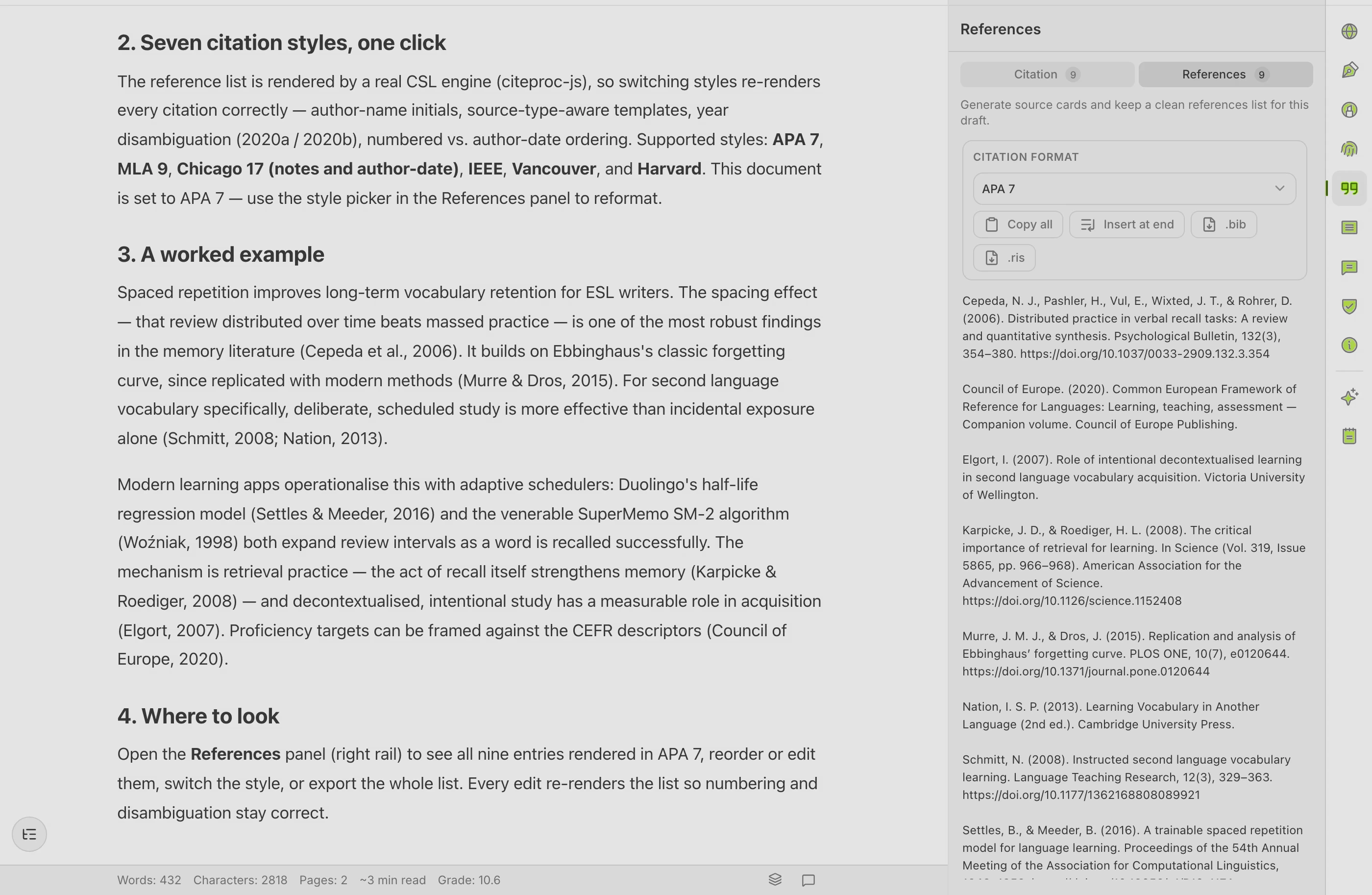
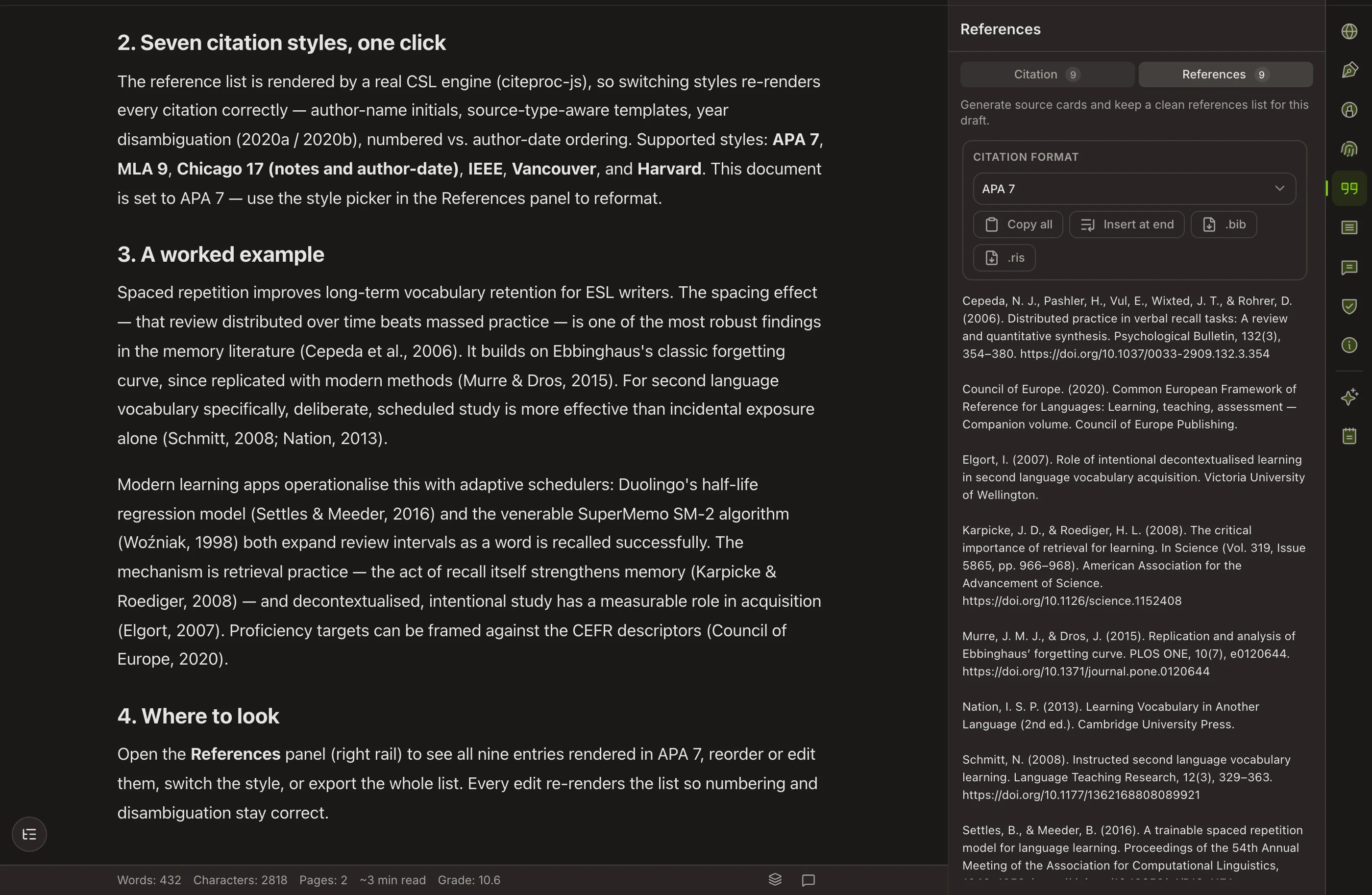
EndNote is the long-established desktop reference manager from Clarivate — an adjacent tool, not a competitor, and often the one your university already licenses for you.
SIDE BY SIDE
Feature by feature
Where the other tool is stronger, the table says so. Verify anything decision-critical on both vendors’ own sites — features move on both sides.
| Feature | Copyeditor | EndNote |
|---|---|---|
| Very large reference lists | Suited to papers and chapters, not thousand-reference projects | Built for exactly that |
| Citation styles | APA, MLA, Chicago, IEEE | Thousands, and editable field by field |
| Citing inside Word | Export to Word and PDF | Cite While You Write |
| Deduplicating imported records | No | Yes — important for systematic reviews |
| Offline use | Web-based | Desktop application |
| Writing and revising prose | Ask, Edit and Plan modes with academic paraphrase | Not what it does |
| Grammar review | Yes | No |
| EndNote sync | Not in the beta — on the roadmap | n/a |
| Record of authorship | Authorship Certificate anyone can verify | No equivalent |
AN HONEST READ
What EndNote does well, and where it stops
EndNote is genuinely good at
- Cite While You Write in Word is mature and holds up on very long documents — a thesis or a review with thousands of references is exactly the case it was built for.
- The output-style library is enormous, and styles can be edited field by field when a journal wants something idiosyncratic.
- Deduplication of imported records makes systematic reviews far less painful than doing it by hand.
- Term lists and journal-abbreviation handling matter enormously in medical and clinical writing, and few tools handle them as thoroughly.
- It works offline on the desktop, and many institutions provide it at no cost to staff and students.
Where it leaves an academic writer short
- It does not draft, rewrite or review prose.
- Without an institutional license it is a paid product, generally as a purchase rather than a light subscription.
- It is desktop-centric by design, which is a strength for stability and a constraint if you move between machines.
- It rewards learning. The power is real, and so is the time it takes to get at it.
WHICH ONE
Pick the right tool for your case
Choose EndNote when
- You are writing something citation-heavy — a systematic review, a clinical thesis, a book — where reference handling at scale is the hard part.
- Your institution licenses it, in which case it costs you nothing and your colleagues and librarians can help you use it.
- You need a specific journal style that only a full style library and a style editor will give you.
- Your library is already in EndNote. Copyeditor does not sync with it, so keep the library where it is.
Choose Copyeditor when
- The reference list is not the bottleneck — writing the chapter is.
- You want drafting, citations, paraphrase and grammar review in one document instead of a manager plus Word.
- You want a verifiable record of how the document was written.
- Your citation needs sit comfortably inside APA, MLA, Chicago or IEEE.
EndNote is a commercial product, commonly bought as a licensed version rather than a light monthly subscription, with student pricing and very widespread institutional site licenses — check with your library before buying anything. Copyeditor is a subscription and is in closed beta. Verify current EndNote licensing on endnote.com.
Questions about EndNote and Copyeditor
Does Copyeditor work with EndNote?
Not directly, and not in this beta. You can export references from EndNote as BibTeX or RIS and import them, but there is no live sync between the two.
Is EndNote worth it if my university provides it?
Usually yes — a capable manager at no personal cost, with local support, is hard to argue against. Check what your library offers before comparing paid alternatives.
EndNote or Zotero?
EndNote is stronger on very large projects, style editing and clinical conventions. Zotero is free, open source and better at capturing sources from the web. For most single-thesis workflows either will do the job.
Can Copyeditor handle a systematic review?
It can help you write one, but it does not do the screening and deduplication work that a systematic review depends on. Use a reference manager for that part.
How current is this comparison?
Both products change, EndNote across major versions. Confirm the current feature set and licensing on endnote.com rather than relying on this page alone.
Other comparisons
Copyeditor vs Zotero
Zotero is a free, open-source reference manager — an adjacent tool rather than a competitor. It is where a great many researchers keep their library, and it is the strongest thing in this list at the job it does.
Copyeditor vs Mendeley
Mendeley is a reference manager and PDF reader from Elsevier — an adjacent tool rather than a competitor, and for many researchers the place their whole library already lives.
Copyeditor vs Overleaf
Overleaf is a collaborative LaTeX editor that runs in the browser — an adjacent tool rather than a competitor, and the standard writing environment in mathematics, physics and much of computer science.
One document
instead of six tabs
Structured drafting, citations that build their own bibliography, and a signed record of how the paper was written. Copyeditor is in beta — apply and we’ll reach out as spots open.