Comparison
Overleaf and Copyeditor: LaTeX collaboration against a writing workspace
Overleaf is a collaborative LaTeX editor that runs in the browser — an adjacent tool rather than a competitor, and the standard writing environment in mathematics, physics and much of computer science.
SIDE BY SIDE
Feature by feature
Where the other tool is stronger, the table says so. Verify anything decision-critical on both vendors’ own sites — features move on both sides.
| Feature | Copyeditor | Overleaf |
|---|---|---|
| LaTeX | No LaTeX or Overleaf export at all | The entire point of the product |
| Real-time co-authoring | Single-author drafting today | Yes — multiple authors in one document |
| Journal and conference templates | No LaTeX templates | Thousands, ready to open |
| Structured drafting | Ask, Edit and Plan modes | Not a drafting assistant |
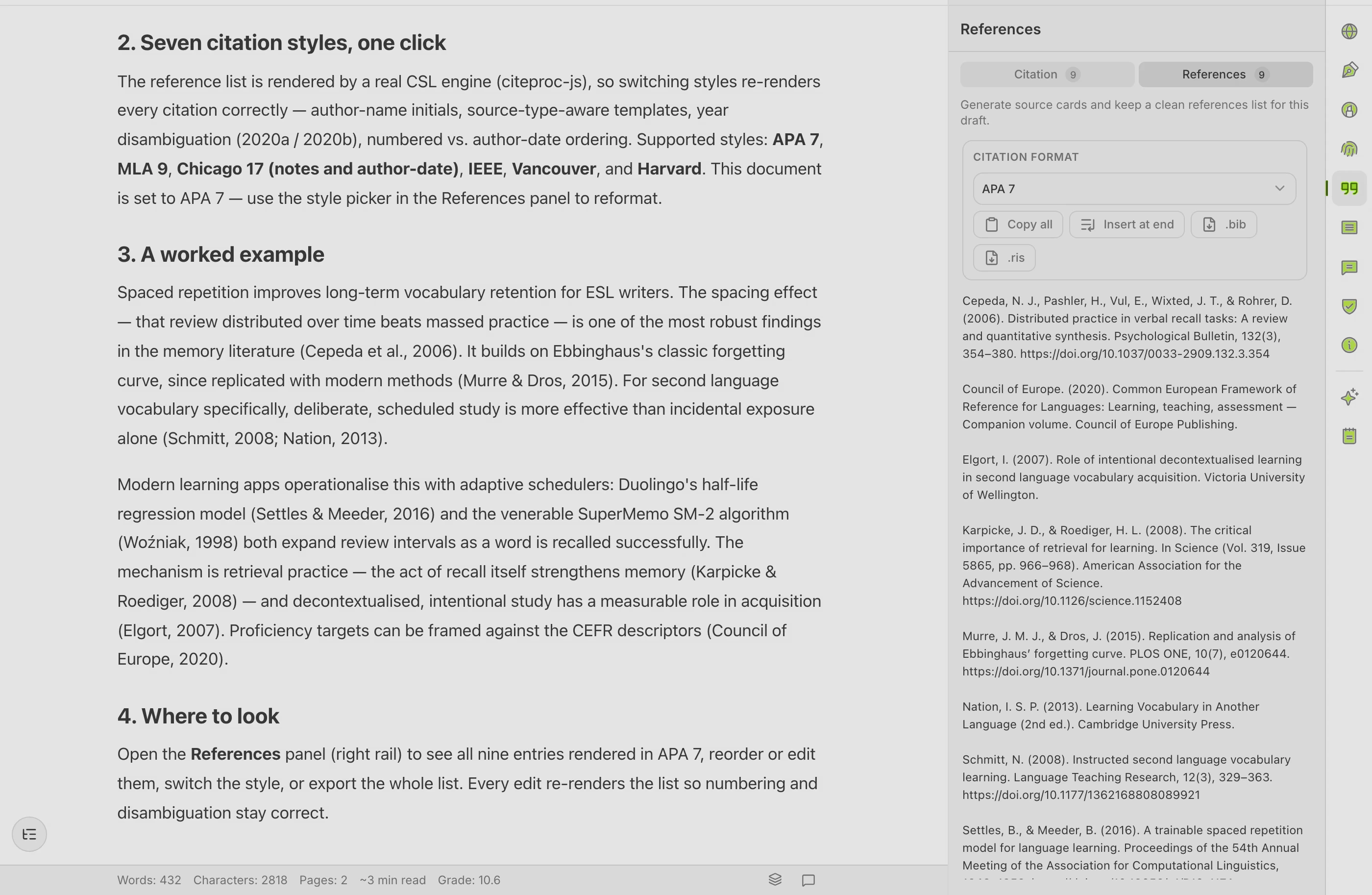
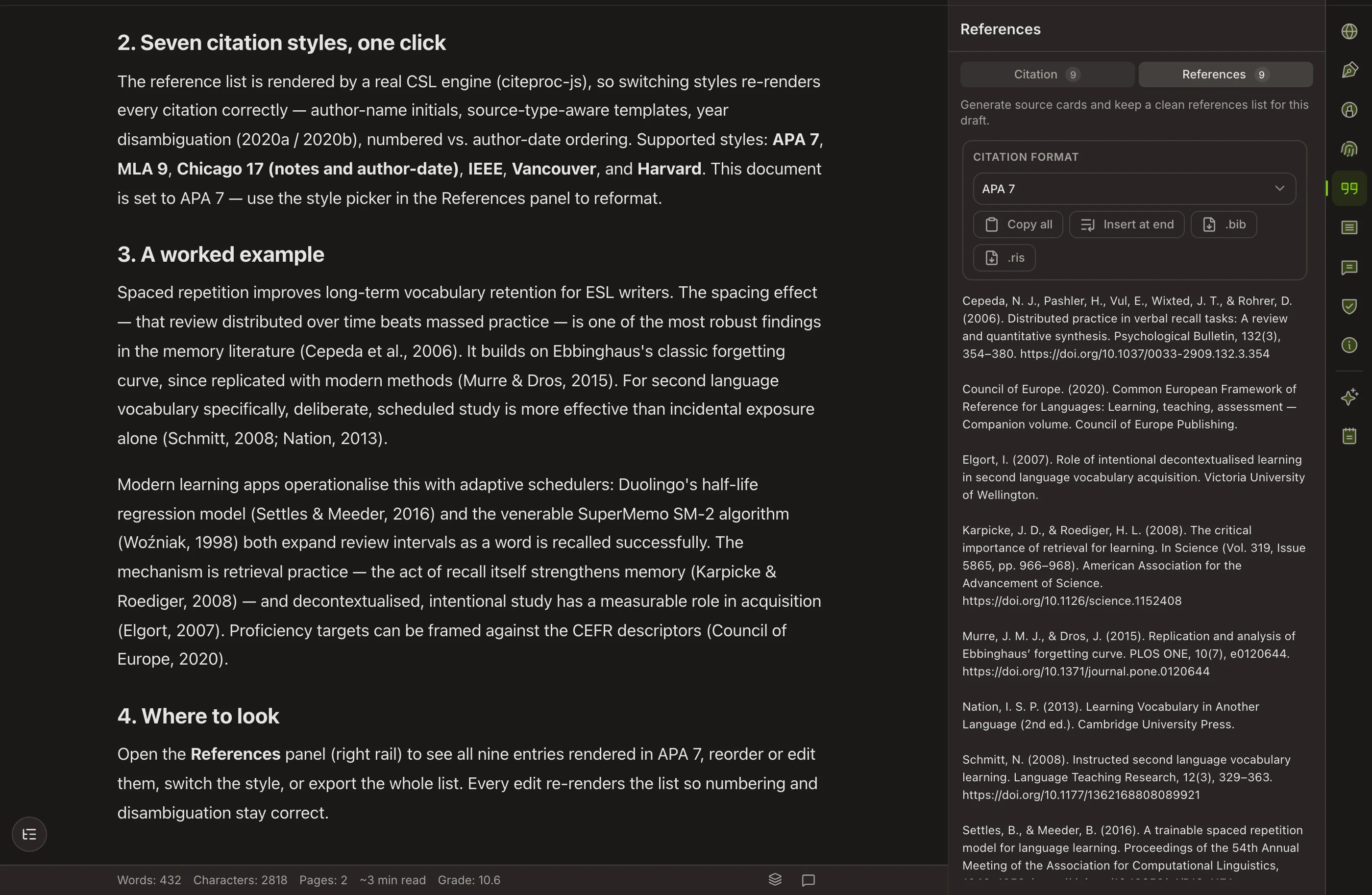
| Citations and bibliography | Self-building — APA, MLA, Chicago, IEEE | BibTeX, with full control and full manual work |
| Grammar review and paraphrase | Yes | Via an add-on such as Writefull |
| Export | Word and PDF | PDF, plus the LaTeX source |
| Free tier | Closed beta — no public free tier yet | Free tier that works for solo projects |
| Record of authorship | Authorship Certificate anyone can verify | Full version history, but no signed record |
AN HONEST READ
What Overleaf does well, and where it stops
Overleaf is genuinely good at
- Real-time collaborative LaTeX that works. Several authors in one document, with comments and track changes on paid tiers, is genuinely hard to build and Overleaf does it.
- Thousands of journal and conference templates are ready to open, so the formatting your venue demands is a starting point rather than a project.
- It compiles in the browser, which removes the entire problem of installing and maintaining a local TeX distribution.
- Full version history and the ability to roll back, plus Git and Dropbox sync on paid plans for people who want their own copy.
- The free tier is genuinely usable for solo work, which is why so many people start there and never leave.
- BibTeX gives precise, reproducible control over references for anyone willing to work at that level.
Where it leaves an academic writer short
- LaTeX itself is the barrier. If you do not already write in it, learning it to get a paper out is a large detour.
- There is no academic language assistance built in — you add that with another tool.
- It does not draft. Overleaf is where you typeset and collaborate, not where a blank page gets filled.
- Reference work is BibTeX by hand or via an external manager, which is powerful and unforgiving in equal measure.
WHICH ONE
Pick the right tool for your case
Choose Overleaf when
- Your venue requires LaTeX. This is not a judgment call — Copyeditor produces Word and PDF, and no amount of workflow ingenuity turns that into a compliant .tex submission.
- You are writing with co-authors in real time and need comments, track changes and version history over a shared source.
- Your paper is full of equations, theorems, algorithms or precise figure placement, where LaTeX is simply the better instrument.
- You want a free environment for a solo paper and are comfortable with the markup.
Choose Copyeditor when
- You write in Word or submit PDFs and have no LaTeX requirement.
- You want help planning and producing the draft, not only typesetting it.
- You want citations and the reference list handled without hand-editing a .bib file.
- You want a verifiable record of how the document was written alongside the finished file.
Overleaf offers a free tier plus paid plans that add collaborators, longer compile times and integrations, billed monthly or annually, with institutional licenses at many universities. Copyeditor is one subscription and is in closed beta. Check overleaf.com for current tiers, and ask your library whether you already have access.
Questions about Overleaf and Copyeditor
Can I export from Copyeditor to LaTeX?
No. Word and PDF only. If your manuscript has to be LaTeX, Copyeditor is not part of that workflow, and we would rather tell you that here than after you have tried.
Can I draft in Copyeditor and typeset in Overleaf?
People do work that way with other tools, but expect manual conversion — you would be copying prose across and rebuilding references in BibTeX. Whether that is worth it depends on how much the drafting help is buying you.
Do I need LaTeX for a thesis?
It depends on the discipline and the department. Mathematics, physics and much of computer science expect it; most of the humanities and social sciences do not. Ask before you commit — the choice shapes your whole toolchain.
Does Overleaf check my writing?
Not on its own. Language feedback comes from integrations such as Writefull, which works inside Overleaf. Check overleaf.com for the current list of integrations, since these arrangements change.
Is Overleaf good for collaboration outside LaTeX?
Its collaboration is built around LaTeX source. If your co-authors do not write LaTeX, a word processor will cause less friction than teaching everyone markup mid-project.
Other comparisons
Copyeditor vs Writefull
Writefull is a language-feedback tool whose suggestions are grounded in how published research papers are actually written, delivered inside the tools researchers already use.
Copyeditor vs EndNote
EndNote is the long-established desktop reference manager from Clarivate — an adjacent tool, not a competitor, and often the one your university already licenses for you.
Copyeditor vs Zotero
Zotero is a free, open-source reference manager — an adjacent tool rather than a competitor. It is where a great many researchers keep their library, and it is the strongest thing in this list at the job it does.
One document
instead of six tabs
Structured drafting, citations that build their own bibliography, and a signed record of how the paper was written. Copyeditor is in beta — apply and we’ll reach out as spots open.