Comparison
QuillBot or Copyeditor: which one fits your writing?
QuillBot is a paraphrasing-first writing suite that has grown outward into grammar checking, summarizing, translation and a citation generator.
SIDE BY SIDE
Feature by feature
Where the other tool is stronger, the table says so. Verify anything decision-critical on both vendors’ own sites — features move on both sides.
| Feature | Copyeditor | QuillBot |
|---|---|---|
| Paraphrasing | Academic paraphrase inside the draft | Multiple rewrite modes plus a synonym control |
| Grammar review | Yes | Yes |
| Structured drafting | Ask, Edit and Plan modes in the document | Rewriting-first — no outline-to-draft mode |
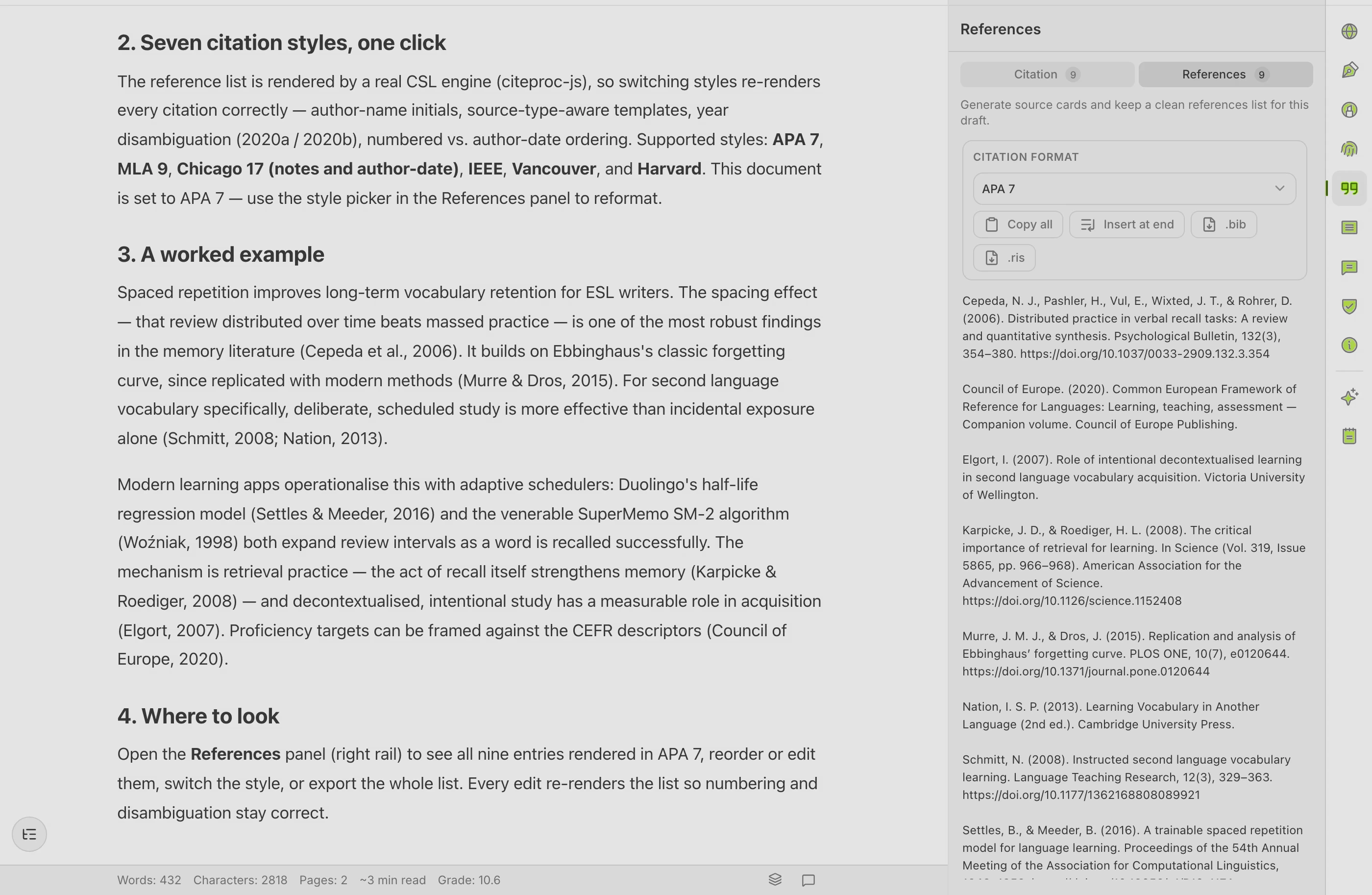
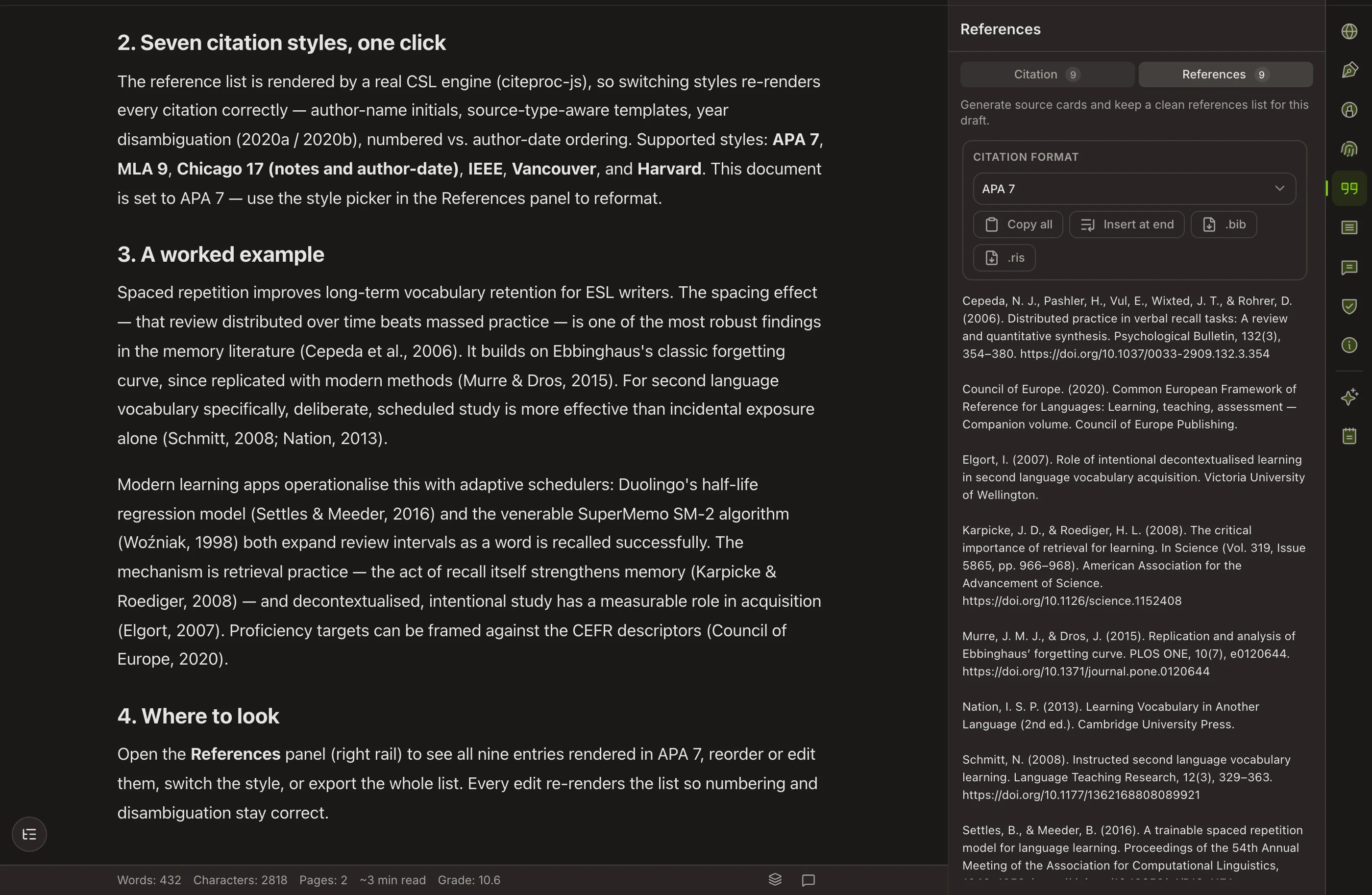
| Citations and bibliography | Self-building bibliography — APA, MLA, Chicago, IEEE | Citation generator you copy from |
| Adding sources | By DOI, URL, BibTeX or RIS | Check current import options on their site |
| Free tier | Closed beta — no public free tier yet | Free tier that covers a lot of everyday work |
| Summarizer | Not a separate summarizing tool | Yes |
| AI-detector view | Preview only — not a database check | Detector and rewriting tools |
| Export | Word and PDF | Copy out, or write in Word with the add-in |
| Record of authorship | Authorship Certificate anyone can verify | No equivalent |
AN HONEST READ
What QuillBot does well, and where it stops
QuillBot is genuinely good at
- The paraphraser is the best-known in the category, with several rewrite modes and a synonym control that lets you decide how far from the original you want to move.
- The free tier does real work — you can rewrite, check grammar and summarize without paying, which is why so many students already have it open.
- Breadth for one subscription: rewriting, grammar, summarizing, translation and citations sit behind the same login.
- It meets you where you write — browser extension, Word add-in and web app, rather than asking you to move into a new editor.
- The summarizer is genuinely useful for triaging papers you have not read yet.
Where it leaves an academic writer short
- It is a set of utilities rather than a document you write inside — the work of assembling a paper is still yours.
- There is no structured drafting mode that takes you from an outline to a full draft with sources attached.
- Citations are generated as text you copy; the bibliography does not live inside the document and rebuild itself when the required style changes.
- Nothing records how a document came to be, so if a supervisor questions your process you have no evidence to show.
WHICH ONE
Pick the right tool for your case
Choose QuillBot when
- Rewording is the actual job. You already have text, you need it said differently, and you need that many times a day.
- You want something free today. QuillBot’s free tier does useful work without a card, and Copyeditor is still in closed beta.
- You want a summarizer and a translator behind the same subscription as your rewriter.
- You write in Word or straight into web forms and want a light add-in rather than another editor to learn.
Choose Copyeditor when
- You are writing a paper, not rewriting sentences — and you want the outline, the prose and the references in one document.
- Your bibliography has to survive a supervisor asking for Chicago two days before submission.
- You want a verifiable record of how the document was written, for your own protection as much as anyone else’s.
- You keep losing time to the copy-paste loop between a rewriter, a citation generator and your draft.
QuillBot runs a free tier alongside a premium subscription billed monthly or annually, with the annual rate working out lower per month. Copyeditor is one subscription covering the whole workspace and is currently in closed beta. Both sides change their plans; check quillbot.com for current numbers before you decide on price.
Questions about QuillBot and Copyeditor
Is Copyeditor a QuillBot alternative?
Partly. If you use QuillBot only to reword sentences, Copyeditor does that too, but you would be buying a workspace to get a paraphraser. The overlap is real; the shape of the two products is not.
Which paraphrases better?
That depends on the sentence and on what you want from it. QuillBot gives you modes and a synonym control for general rewriting; Copyeditor’s paraphrase targets academic register and stays inside the draft with your citations. Try both on a paragraph from your own field — that comparison is worth more than anyone’s claim.
Does either one check my work against a plagiarism database?
Copyeditor does not. Its AI-detector view is a preview of how a draft reads, not a comparison against a database of published work. QuillBot has offered a plagiarism check on paid plans — verify what is included today on their site, because features change on both sides.
Can I use both?
Yes, and some people will. Draft and cite in Copyeditor, and keep QuillBot in the browser for quick rewrites elsewhere. Nothing about either tool stops the other from working.
Does QuillBot manage my references?
It generates citations you copy into your document. It is not a reference manager in the sense that Zotero or EndNote is, and neither is Copyeditor — Copyeditor keeps sources attached to the document you are writing.
Other comparisons
Copyeditor vs Jenni AI
Jenni AI is an AI writing assistant aimed squarely at academic drafting, best known for inline autocomplete that continues your sentence and can attach a citation as it does.
Copyeditor vs ChatGPT
ChatGPT is a general-purpose AI assistant that happens to be very good at writing, and for most researchers it is already the default first stop.
Copyeditor vs Trinka
Trinka is a grammar and language-correction tool built specifically for academic and technical writing, rather than a general-purpose writing assistant pointed at papers.
One document
instead of six tabs
Structured drafting, citations that build their own bibliography, and a signed record of how the paper was written. Copyeditor is in beta — apply and we’ll reach out as spots open.